Upload
Drag in any photo or illustration — yours or one you generated on HelloGen.
 HelloGen.ai
Upload a photo and describe the change in plain words. Swap backgrounds, recolor objects, change the style — no layers, no masks, no learning curve.
Edited with Qwen Image Edit 2509
Ads keep HelloGen free
Drag in any photo or illustration — yours or one you generated on HelloGen.
One instruction at a time works best: “remove the background”, “make the jacket blue”.
The model edits only what you asked for and keeps the rest of the image intact.
 Before
 After
After“Change the sweater to red and soften the background”
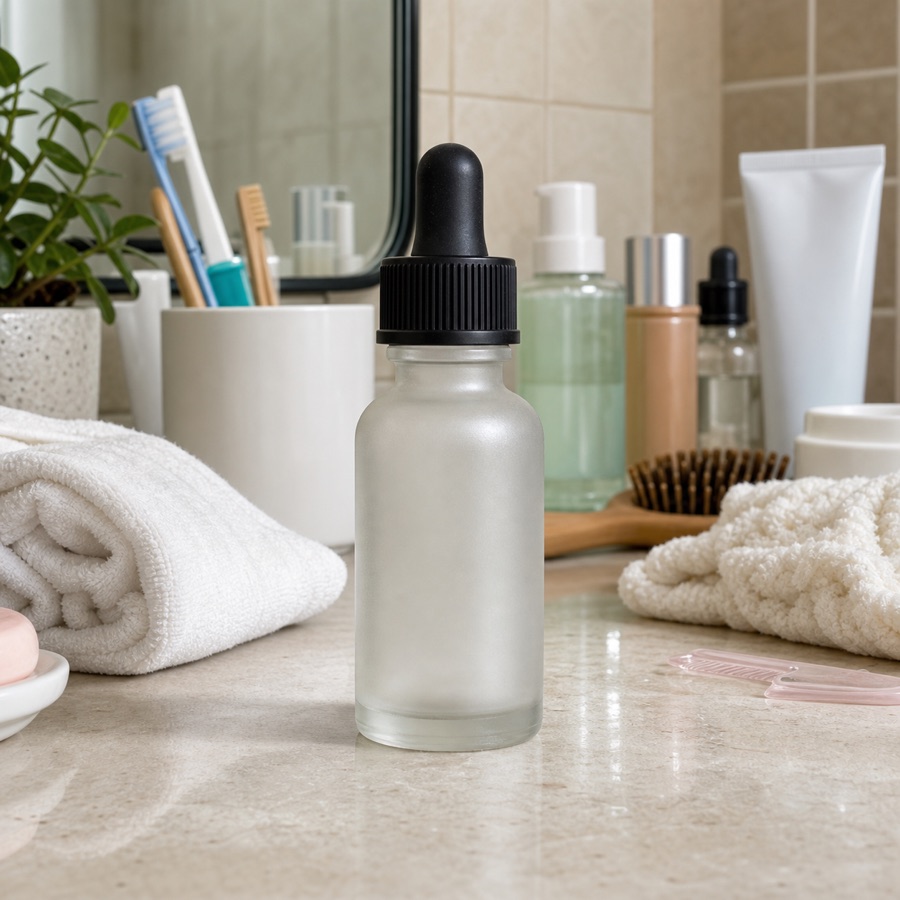 Before
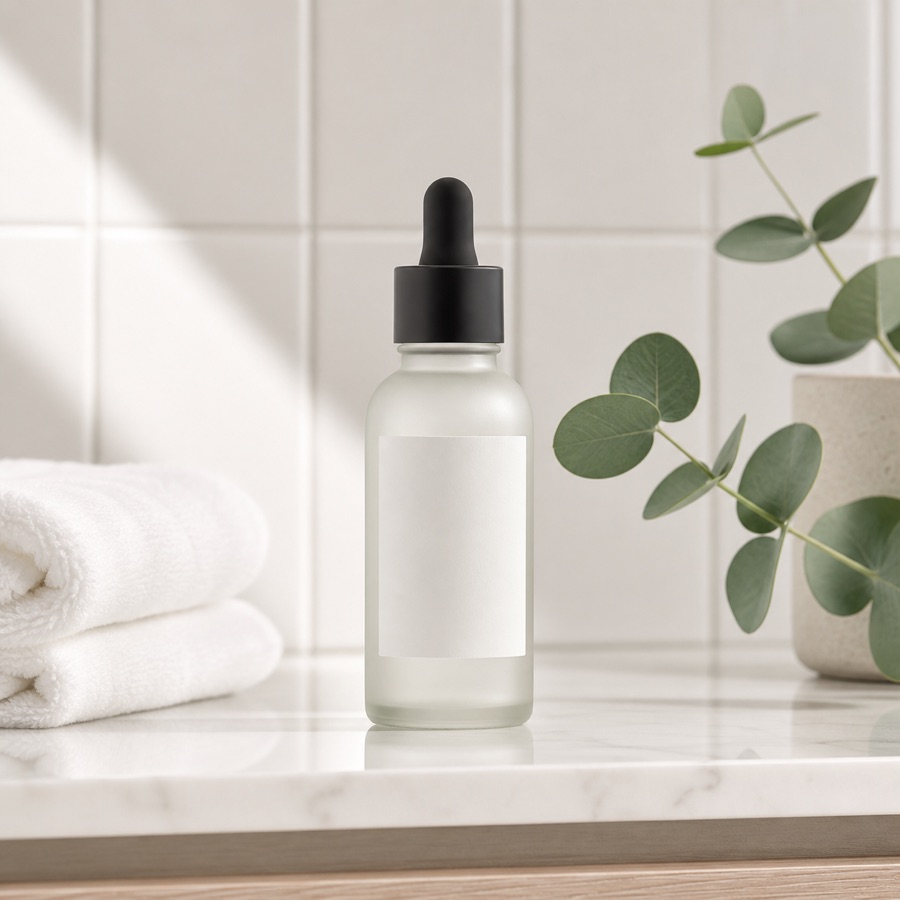 After
After“Remove the clutter and make it a clean product shot”
Background replacement or removal, color and material changes, style transfer (e.g. photo to watercolor), adding or removing objects, lighting changes and text edits inside images.
Qwen Image Edit is built for targeted edits: it modifies what your instruction describes and preserves the rest, including faces, as closely as possible.
PNG, JPG and WebP work. Very large images are resized before editing; the result is returned at a comparable resolution.
Uploads are processed to produce your edit and deleted after a short period used for abuse prevention. They are never used for advertising or model training.
The HelloGen generator turns a text prompt into a fresh image in seconds — same rules: free, no sign-up.
✦ Open the Image Generator